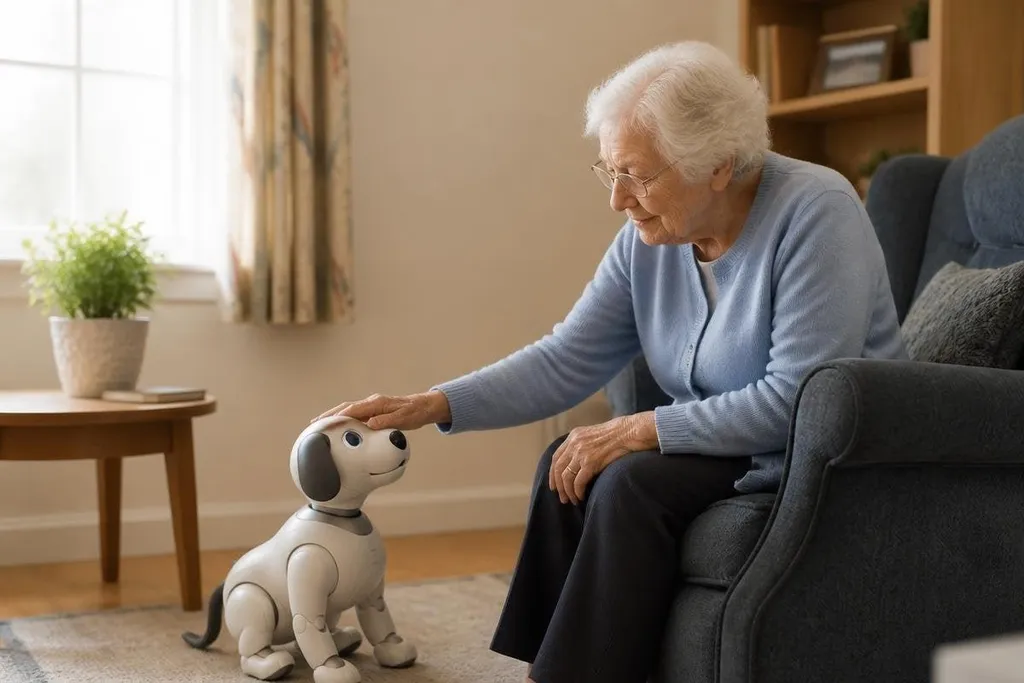
For some older adults, a robot pet can make a room feel less quiet, but that alone doesn't show it helps. The useful question is what the robot does after the first week, when the novelty has worn off.
Quick read
- A robot pet may respond to touch, sound, or movement.
- It can offer company without feeding, walking, or cleaning up after an animal.
- It can't replace human contact, medical care, or help in an emergency.
What a robot pet can do
Robot pets use sensors, motors, speakers, and software to react to a person nearby. A touch sensor may trigger movement, while a microphone can let the robot respond to a spoken command.
The exact features depend on the model. That response can give an older adult a small reason to reach out, speak, or start a routine. The effect is practical only if the person likes the robot and can use it without help.
Some models may also play sounds, move around a room, or react when someone pets them. Those actions can make the robot feel more like a pet than a table-top gadget, but the design still matters more than the label.
A heavy robot is hard to move from a chair to a shelf. Small buttons may be difficult to see. Loud audio can be uncomfortable, and a charging cable can create a trip hazard near a bed or walking path.
Where the limits matter
Without the right sensors and a service built for that task, a robot pet can't know when a person has fallen. Even then, you need to know who receives an alert, how fast they respond, and what happens if the internet connection fails.
Privacy needs the same care. A model with a microphone or camera can collect sound or images inside a private home. Ask where the data goes, how long the maker keeps it, and how the owner can turn those sensors off.
The robot also needs a clear care boundary. It can remind someone to talk, touch, or follow a daily activity, but it shouldn't be treated as a nurse, a doctor, or a person who can check on a neighbor.
That boundary matters for families arranging home care. Between visits, the robot can sit beside someone, yet it can't notice every change in mood, pain, balance, or confusion.
Families comparing these devices need more than a warm voice and a moving head. A report at Robot24.com can place a robot pet’s claimed use beside its model, maker, and test setting, so you can judge whether it belongs in the gaps between visits. Health monitoring needs separate proof.
What families should check
The best choice starts with the person's daily life, not with the robot's sales page. Use this short check before paying for one:
- Watch a full demo. Check how the robot reacts after several minutes, not only during a staged first response.
- Test the controls. The owner should be able to start, stop, charge, and adjust sound without another person.
- Measure the room. Leave clear walking space around the chair, bed, and charging point.
- Read the privacy page. Look for camera, microphone, account, internet, and data deletion details.
- Ask about failure. Find out what happens after a flat battery, lost connection, or software fault.
- Set the care rule. Write down which jobs stay with family, carers, or health workers.
This process also gives you a better way to judge price. A low-cost robot that needs frequent setup may cost more in time than a dearer model that the owner can run alone. A cheap device has no benefit if it stays in its box.
The right use case
Robot pets make the most sense when an older adult wants a quiet companion and can manage the device with little help. They may fit a shared living space where a real animal isn't allowed, or a home where feeding and walking a pet would be too much work.
They make less sense when the main need is fall detection, medication control, transport, or regular conversation with another person. Those needs call for services built around that job, not a pet-shaped shell.
I'd buy one only after the older adult has handled it and agreed to use it. The next test is simple: after two weeks, is it part of a daily routine, or has it become another object that needs charging?